

The Goods and Services Tax (GST) in India requires taxpayers to make timely payments of their tax liabilities. The process of generating and using a GST challan is a crucial part of this system, ensuring that payments are made accurately and efficiently. A GST challan is essentially a document that facilitates the payment of GST liabilities through various modes.
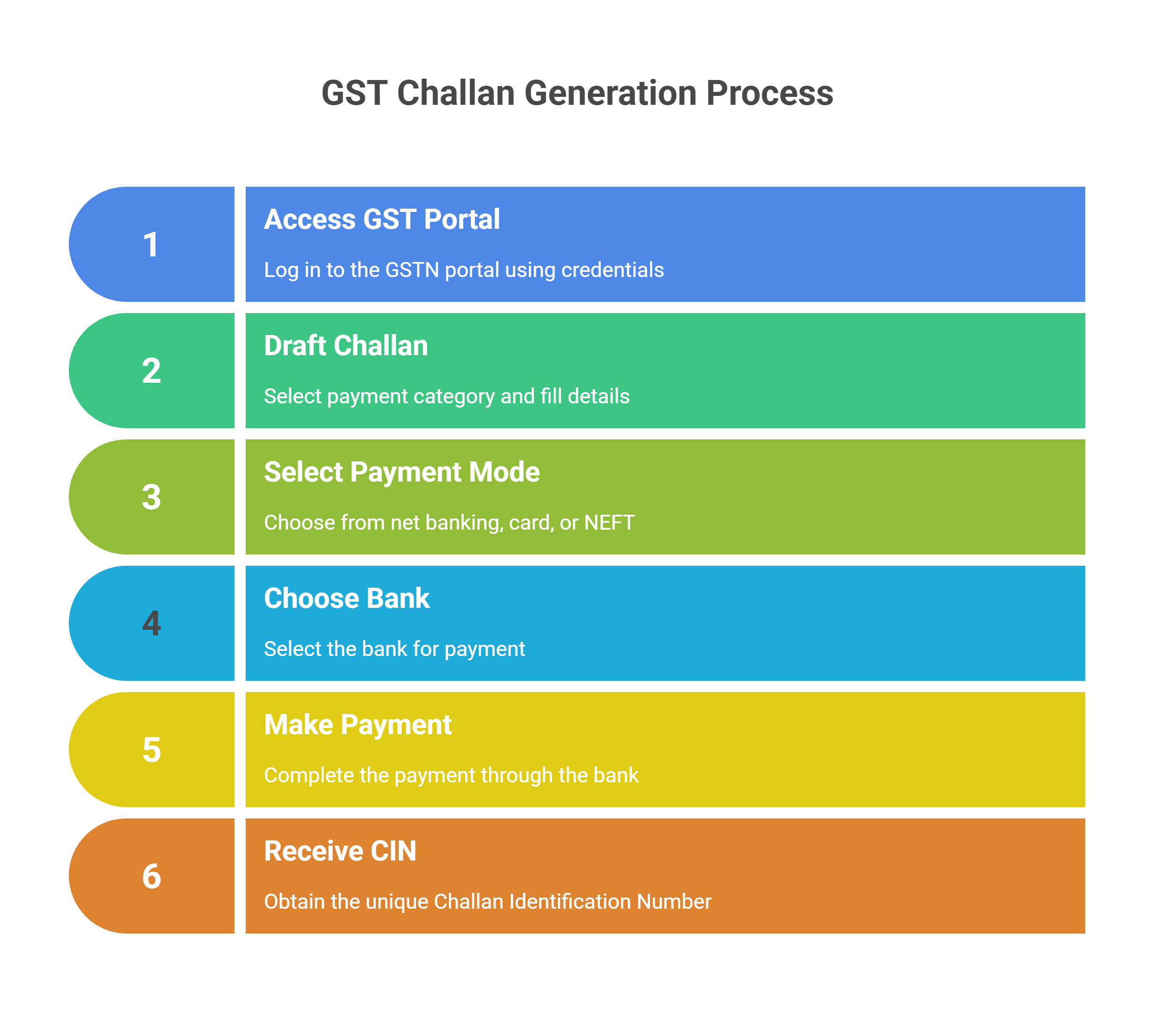
Steps to Generate a GST Challan
-
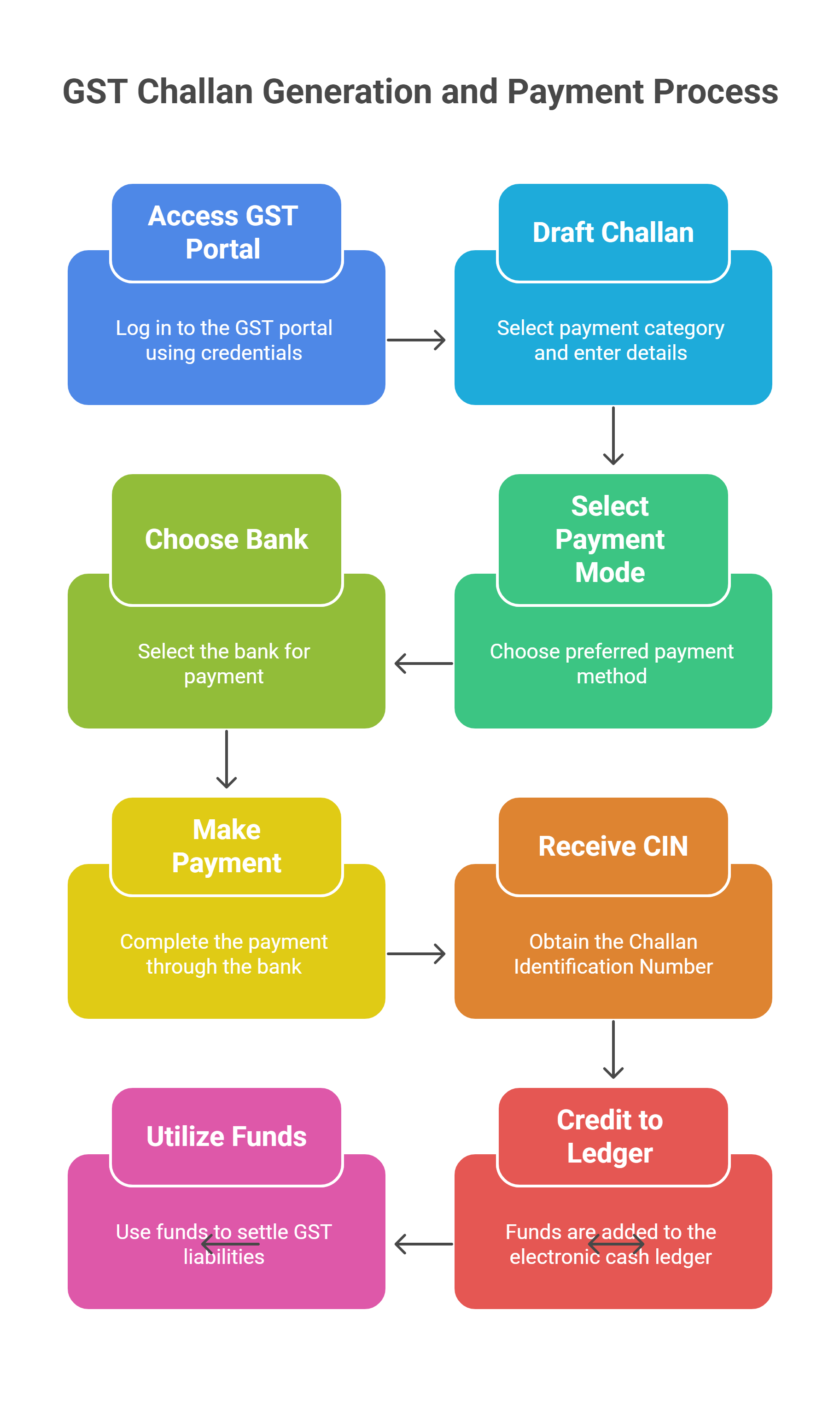
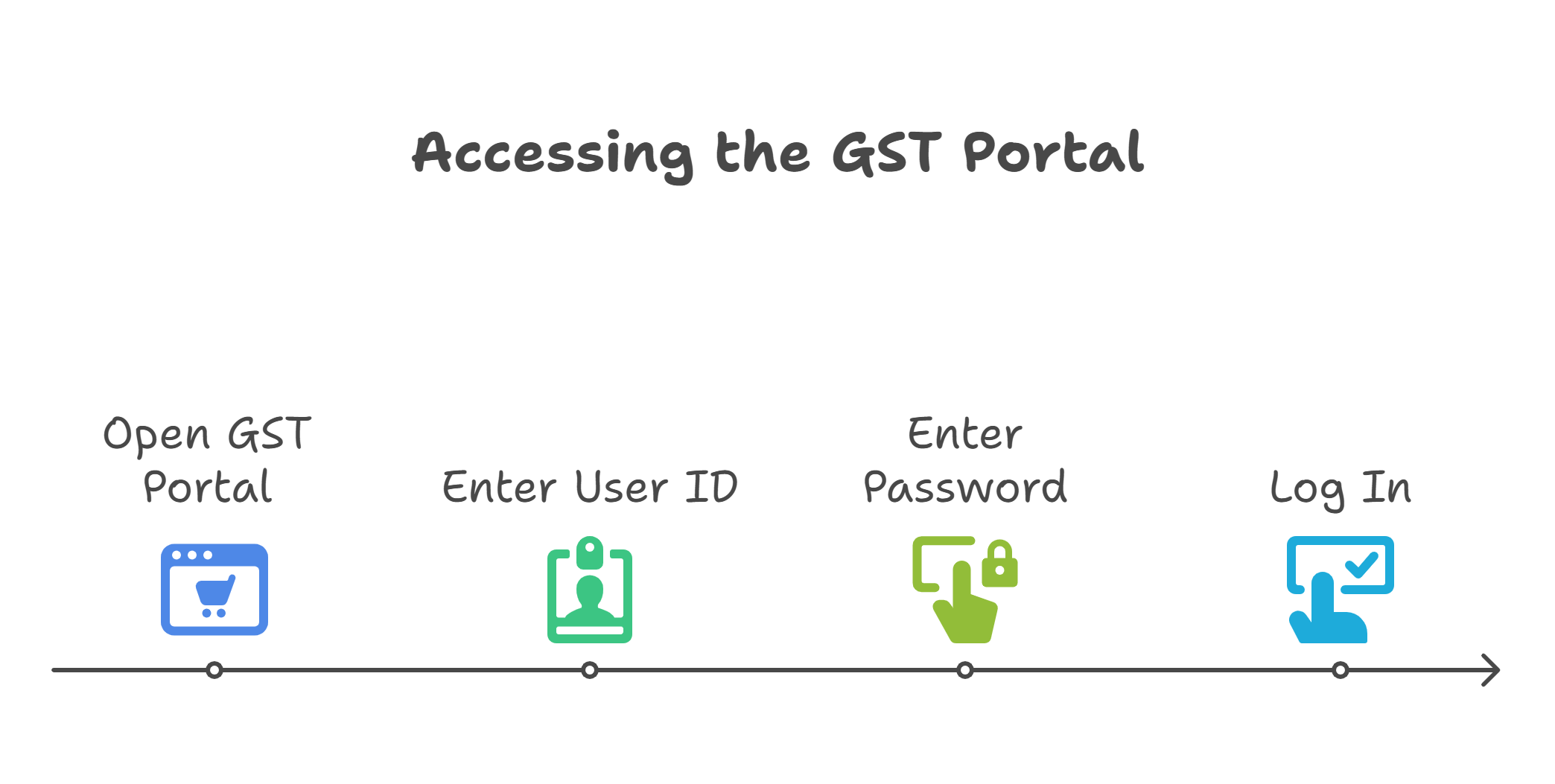
Access the GST Portal: The first step in generating a GST challan is to log in to the GST Network (GSTN) portal using your credentials, which include your user ID and password. This portal is the central hub for all GST-related activities.
-
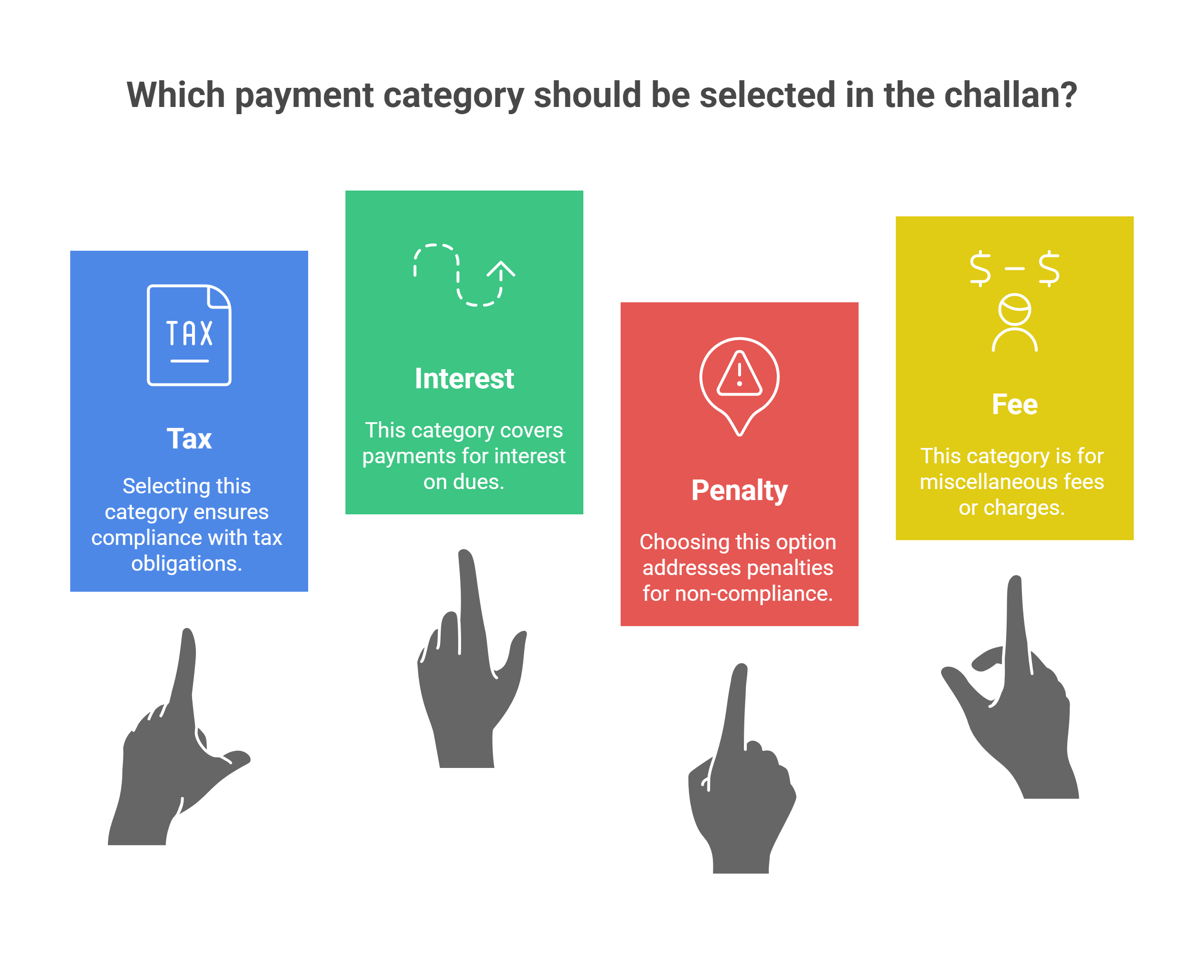
Draft the Challan: Once logged in, you need to fill out a draft challan. This involves selecting the correct heading for the payment, such as tax, interest, penalty, or fee. It is crucial to ensure that the details are accurate to avoid any discrepancies later on.
-
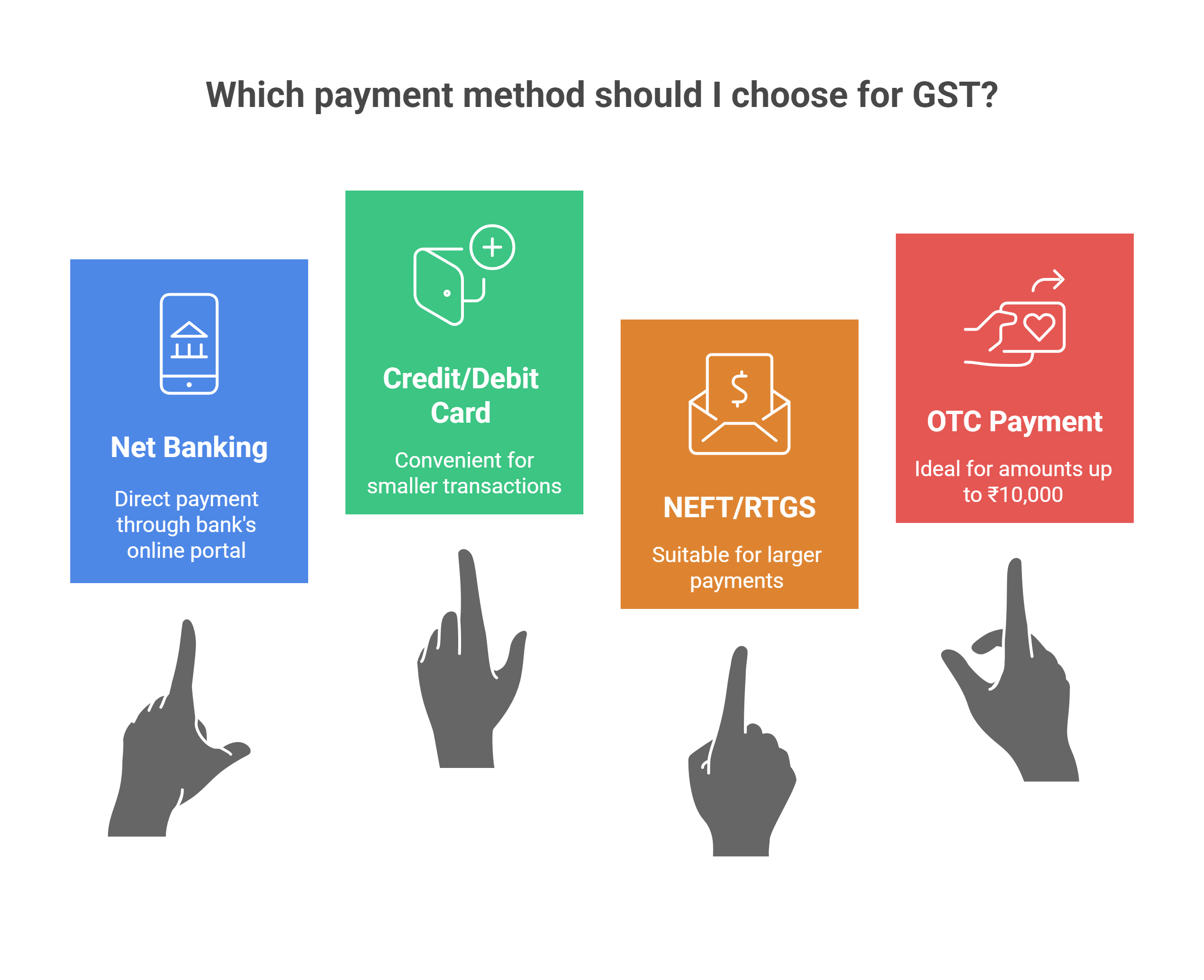
Select the Mode of Payment: The GST portal offers multiple payment options, including:
-
Net Banking
-
Credit Card or Debit Card
-
National Electronic Fund Transfer (NEFT) or Real Time Gross Settlement (RTGS)
-
Over-the-Counter (OTC) payment through authorised banks for amounts up to ₹10,000 per challan per tax period.
-
-
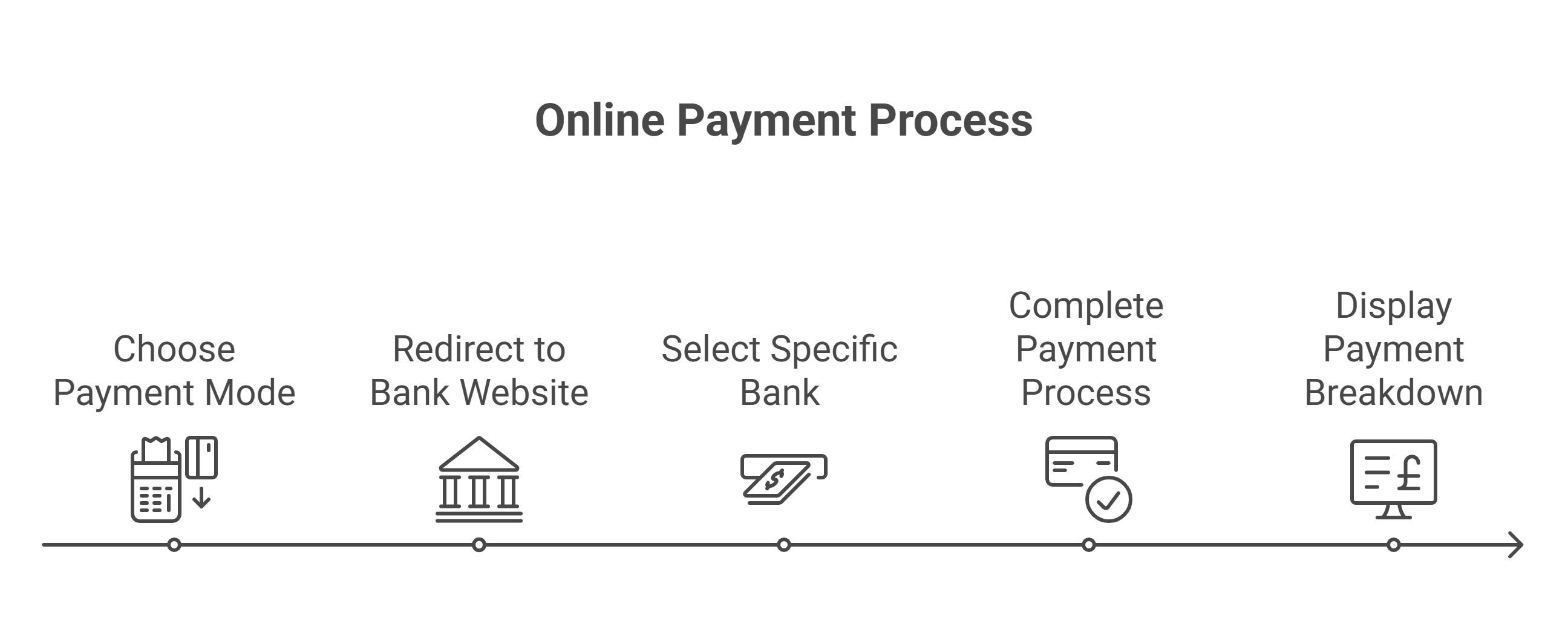
Choose the Bank: After selecting the payment mode, you will be directed to the website of the nominated bank. Here, you can choose the bank through which you wish to make the payment.
-
Make the Payment: Complete the payment process through the selected bank. The portal will display a breakdown of the total amount payable, ensuring transparency and accuracy.
-
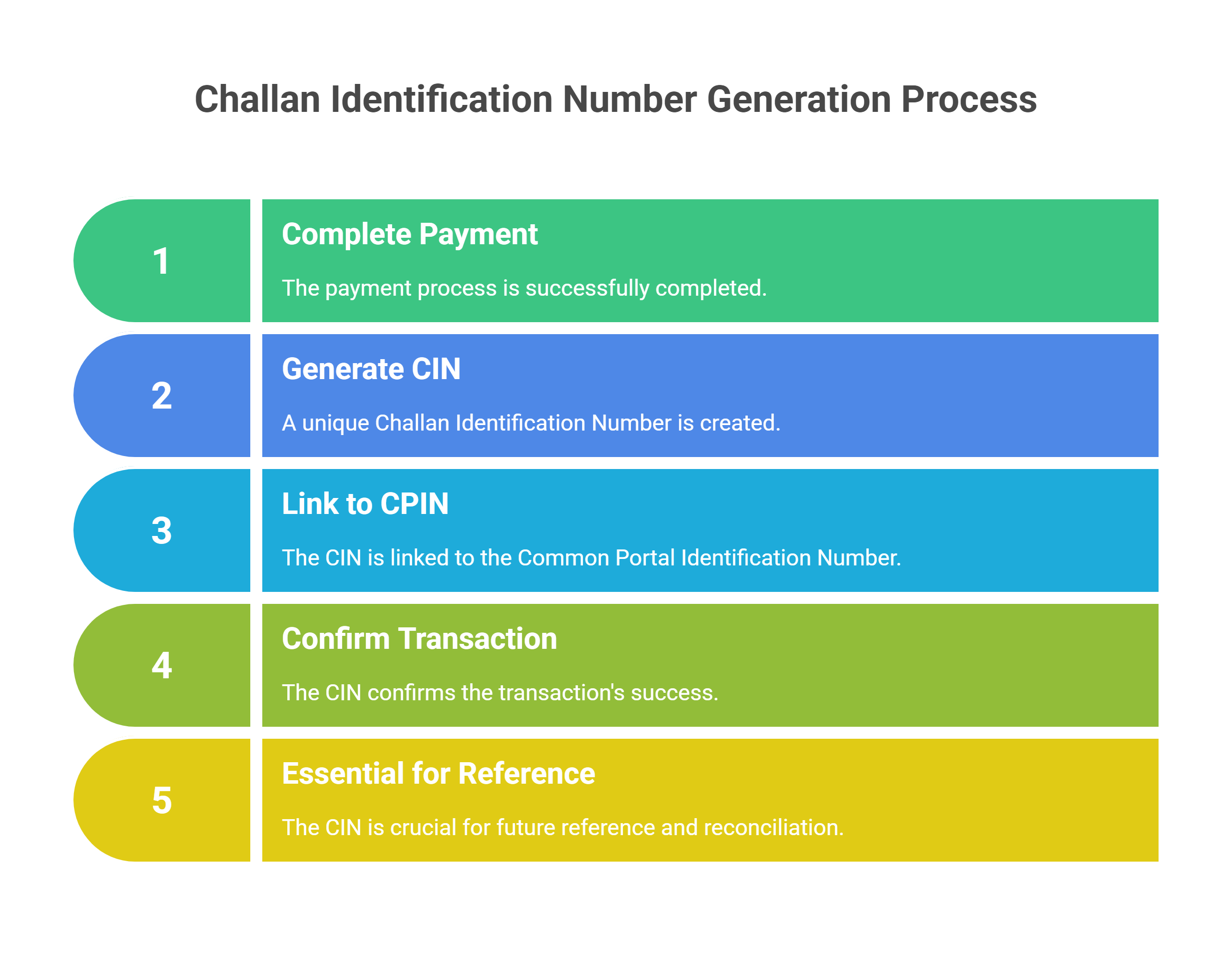
Receive the Challan Identification Number (CIN): Upon successful payment, a unique Challan Identification Number (CIN) is generated against the Common Portal Identification Number (CPIN). This CIN is a confirmation of the successful transaction and is crucial for future reference.
Validity and Use of the GST Challan
-
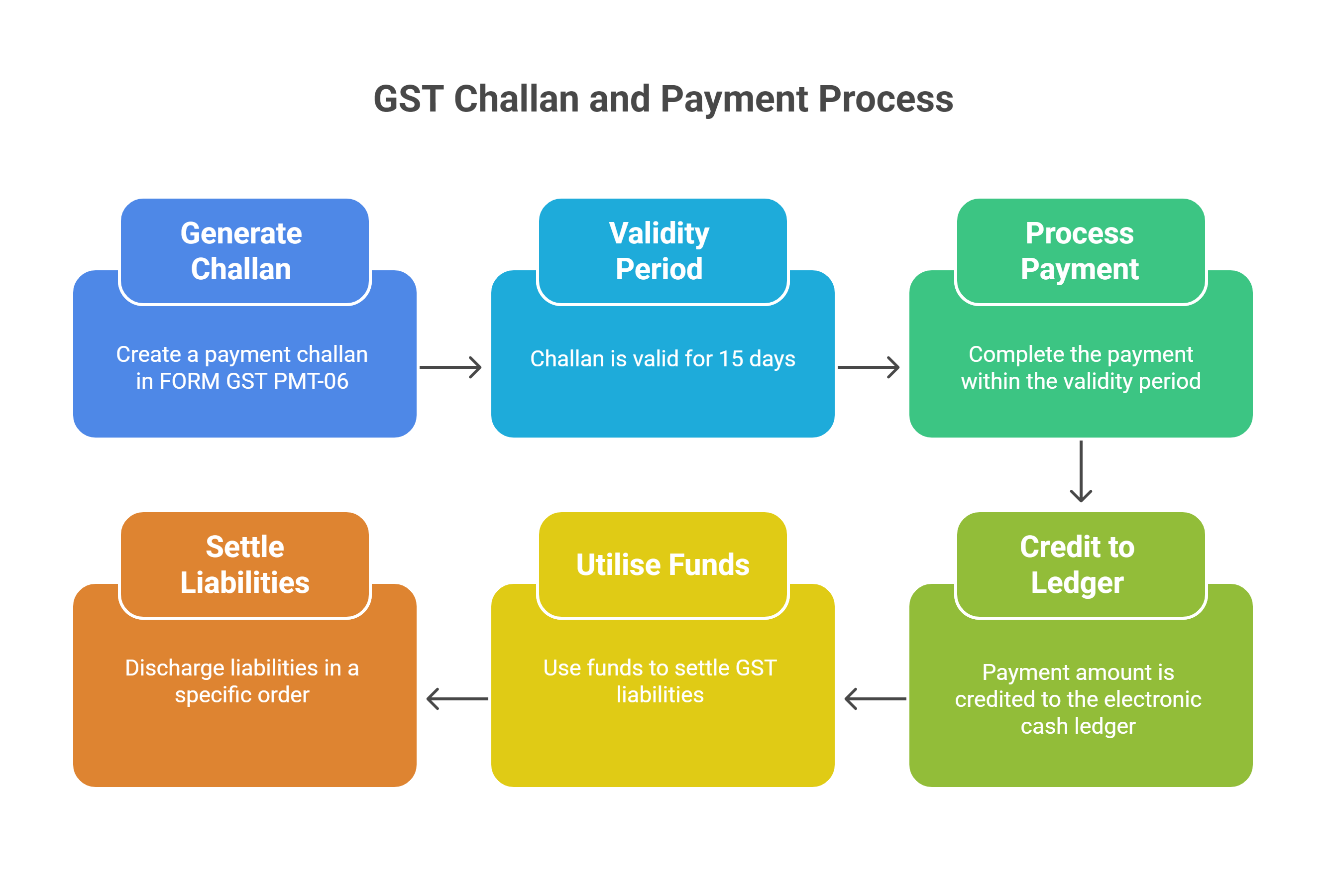
Validity: The challan generated in FORM GST PMT-06 is valid for a period of 15 days. This means that the payment must be completed within this timeframe to avoid any lapses.
-
Electronic Cash Ledger: Once the payment is made, the amount is credited to the taxpayer's electronic cash ledger. This ledger is maintained in FORM PMT-05 and records all cash deposits made by the taxpayer.
-
Utilisation: The amount in the electronic cash ledger can be used to pay off various liabilities, including tax, interest, penalty, and fees. The taxpayer can discharge their liabilities in the order of self-assessed liability of previous tax periods, current tax period, and any other amounts payable.
Special Provisions and Considerations
-
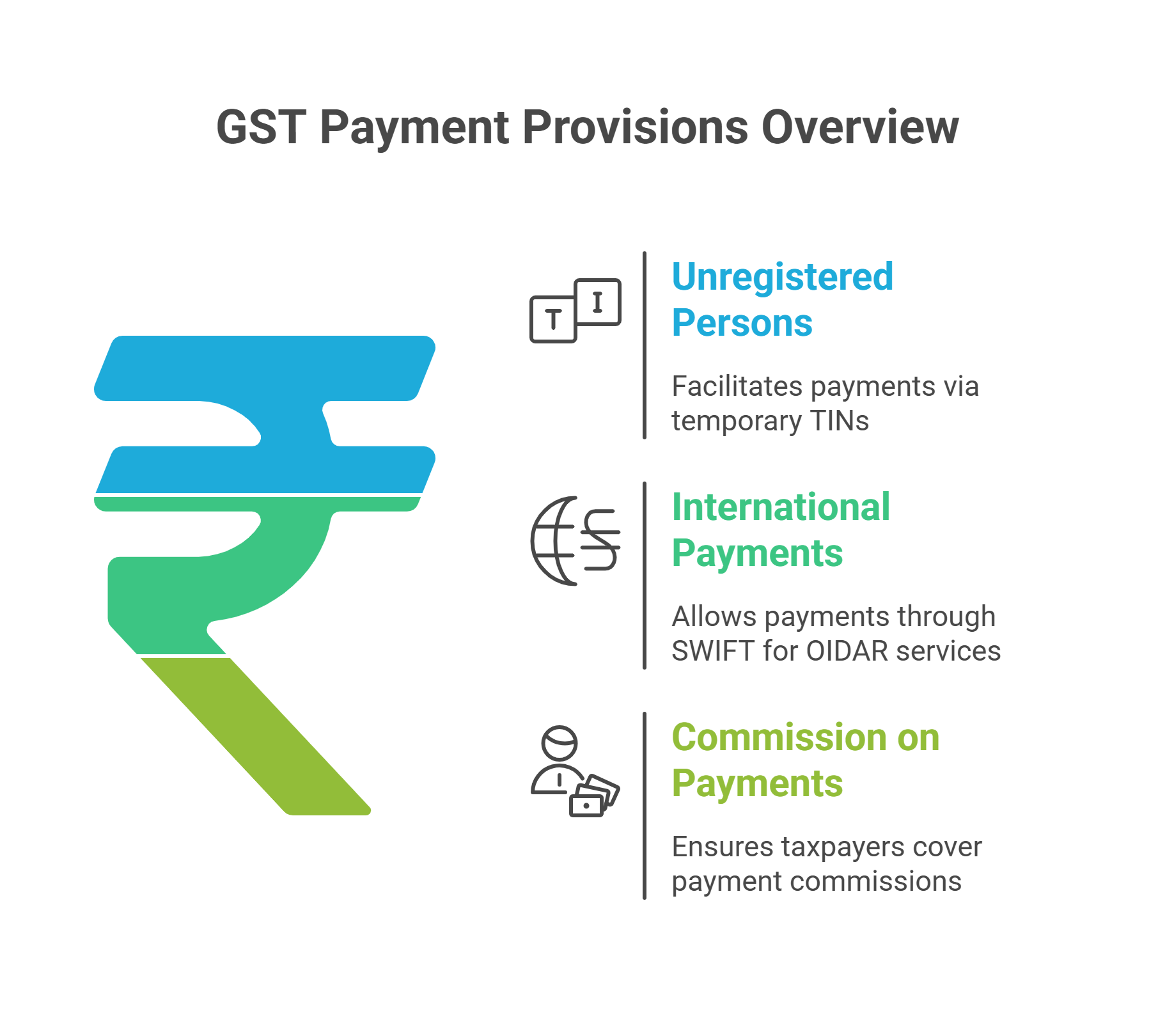
Unregistered Persons: Payments by unregistered persons are made using a temporary identification number (TIN) generated through the common portal.
-
International Payments: For suppliers of online information and database access or retrieval services (OIDAR) from outside India, payments can be made through international money transfer systems like SWIFT.
-
Commission on Payments: Any commission payable on the amount indicated in the challan is borne by the person making the payment.
Conclusion
The process of generating and using a GST challan is streamlined to facilitate ease of payment for taxpayers. By following the steps outlined above, taxpayers can ensure that their GST liabilities are paid accurately and on time. It is important to adhere to the guidelines and timelines provided to avoid any penalties or interest charges.
GST Registration Certificate Download PDF | GST Complaint Against Shopkeeper | GST Audit Process | How to Cancel E Way Bill After 72 Hours | New GST On Dry Fruits
Frequently Asked Questions
About the Author

- ★★
- ★★
- ★★
- ★★
- ★★

Check out other Similar Posts

CFO Weekly Digest
A weekly newsletter delivering sharp insights, strategic analysis, and critical updates on business, finance, and compliance — designed exclusively for CFOs and Finance Leaders
Masters India is a GST Suvidha Provider (GSP) appointed by Goods and Services Tax Network (GSTN), a Government of India enterprise.
 Procapitus Business Park, 4th Floor, D 247/4A, Sector 63 Rd, Noida, Uttar Pradesh 201301
 info@mastersindia.co




Certified