
How to Opt Out of Rule 14A Registration on GST Portal (File Form GST REG-32)

🤔 First, Let's Understand — What Is Rule 14A and Why Would You Want to Exit It?
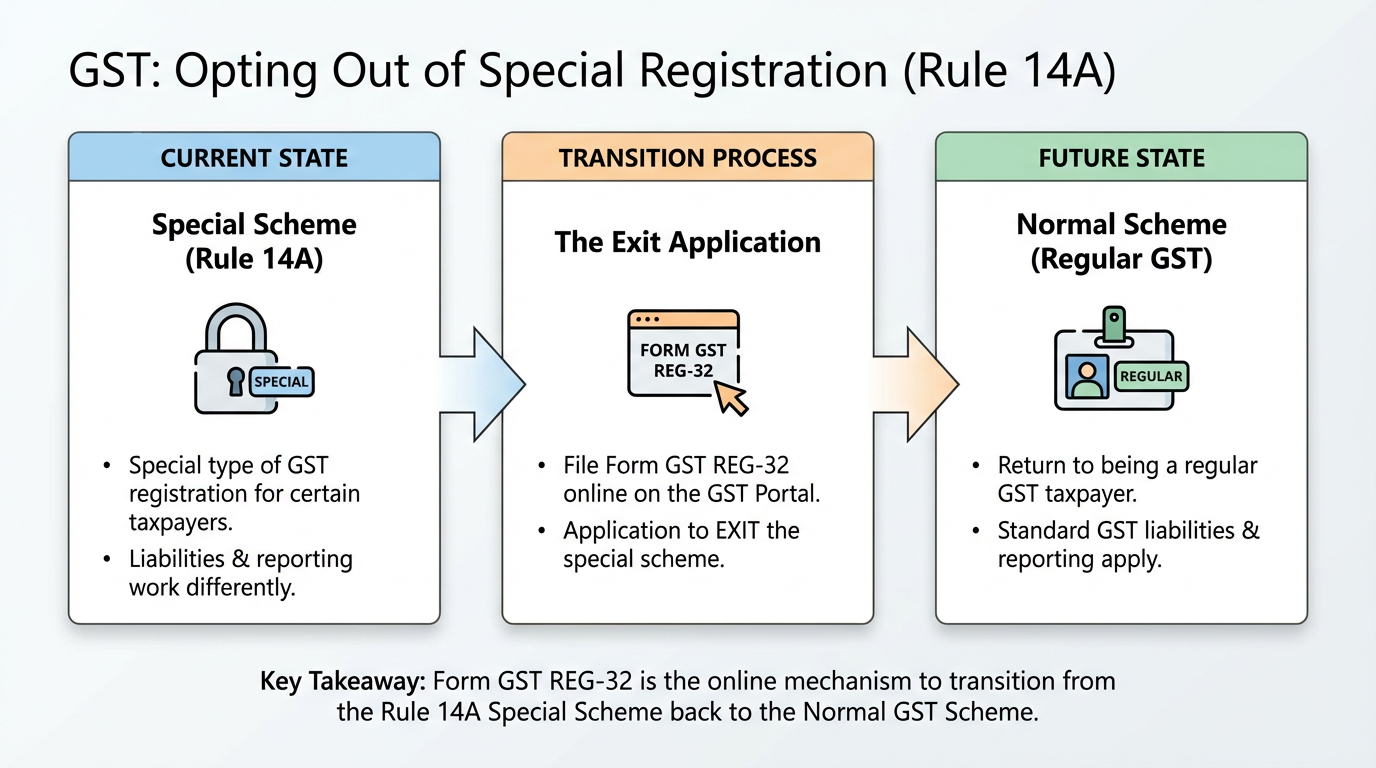
Rule 14A is a special type of GST registration that was introduced for certain taxpayers. Under this registration, your GST liability and reporting work slightly differently than regular taxpayers.
Now, the Government has given you an online option to EXIT (opt out of) this special registration and go back to being a regular GST taxpayer. This is done by filing a form called Form GST REG-32 on the GST portal.
Think of it like: You had enrolled in a special scheme. Now you want to go back to the normal scheme. This form is your application to do so.
✅ Step 0 — Check If You Are Even Eligible to Apply
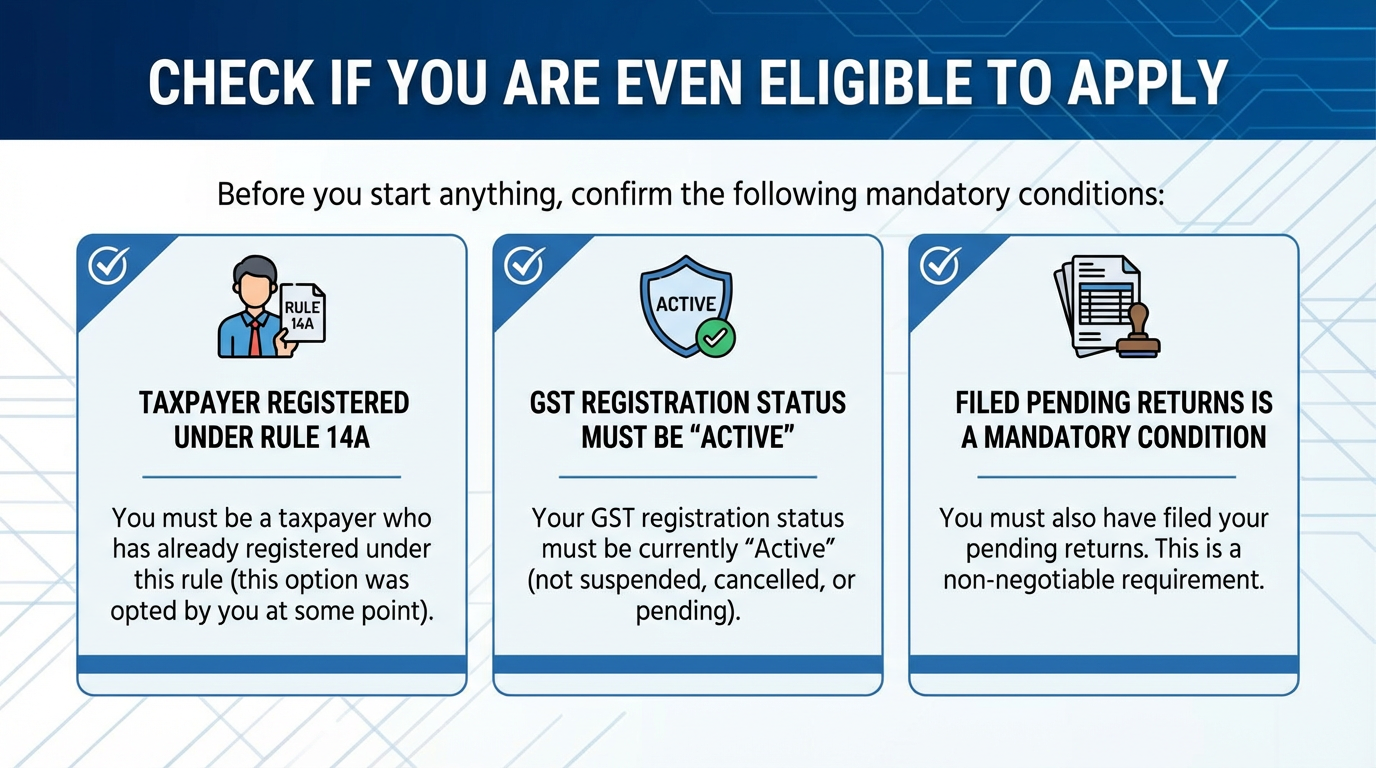
Before you start anything, confirm the following:
You must be:
-
A taxpayer who has already registered under Rule 14A (this option was opted by you at some point)
-
Your GST registration status must be "Active" (not suspended, cancelled, or pending)
You must also have filed your pending returns. This is a mandatory condition. See Step 1 below.
📋 Step 1 — File All Your Pending GST Returns FIRST
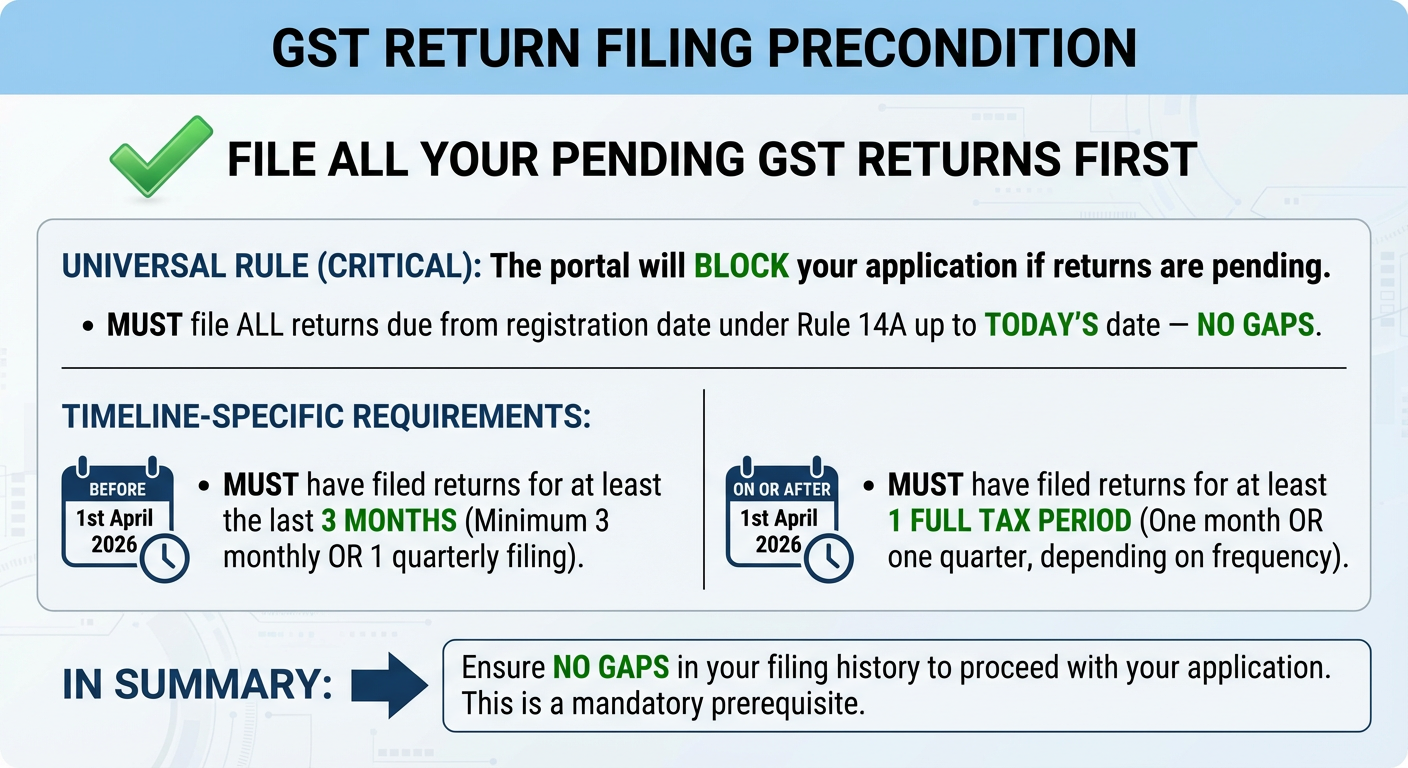
This is the most important precondition. The portal will simply not allow you to proceed if returns are pending.
Here is what you need to have filed before applying:
If you are applying BEFORE 1st April 2026: You must have filed returns for at least the last 3 months (i.e., minimum 3 monthly or 1 quarterly filing must be completed).
If you are applying ON OR AFTER 1st April 2026: You must have filed returns for at least 1 full tax period (one month or one quarter, depending on your filing frequency).
In ALL cases (regardless of date): You must have filed ALL returns that were due from the day you got registered under Rule 14A, right up to today's date — without any gaps.
💡 Practical Tip: Before you even open the GST portal for this application, ask your tax consultant to confirm that your returns filing is 100% up to date. There should be no pending GSTR-1, GSTR-3B, or any other return in arrears.
💻 Step 2 — Log In to the GST Portal
-
Open your browser (Chrome, Edge, or Firefox) and go to: www.gst.gov.in
-
Click on the "Login" button at the top right corner of the page.
-
Enter your Username and Password.
-
Complete the CAPTCHA (the random letters/numbers shown on screen — type them exactly).
-
Click "Login".
You are now inside your GST account dashboard.
🔍 Step 3 — Navigate to the Right Section
Once you are logged in, follow this path on the menu:
Services → Registration → Application for Withdrawal from Rule 14A
In simple language:
-
Look for the word "Services" on the top menu bar — click it.
-
A dropdown will appear. Look for "Registration" — click it.
-
In the next menu, find "Application for Withdrawal from Rule 14A" — click it.
⚠️ Important: This link/option will be visible ONLY if your account is registered under Rule 14A and your status is Active. If you cannot see this option, it means either you are not registered under Rule 14A, or your registration is not in Active status.
📝 Step 4 — Fill in the Application Form
Once you open the application, you will see a form on the screen.
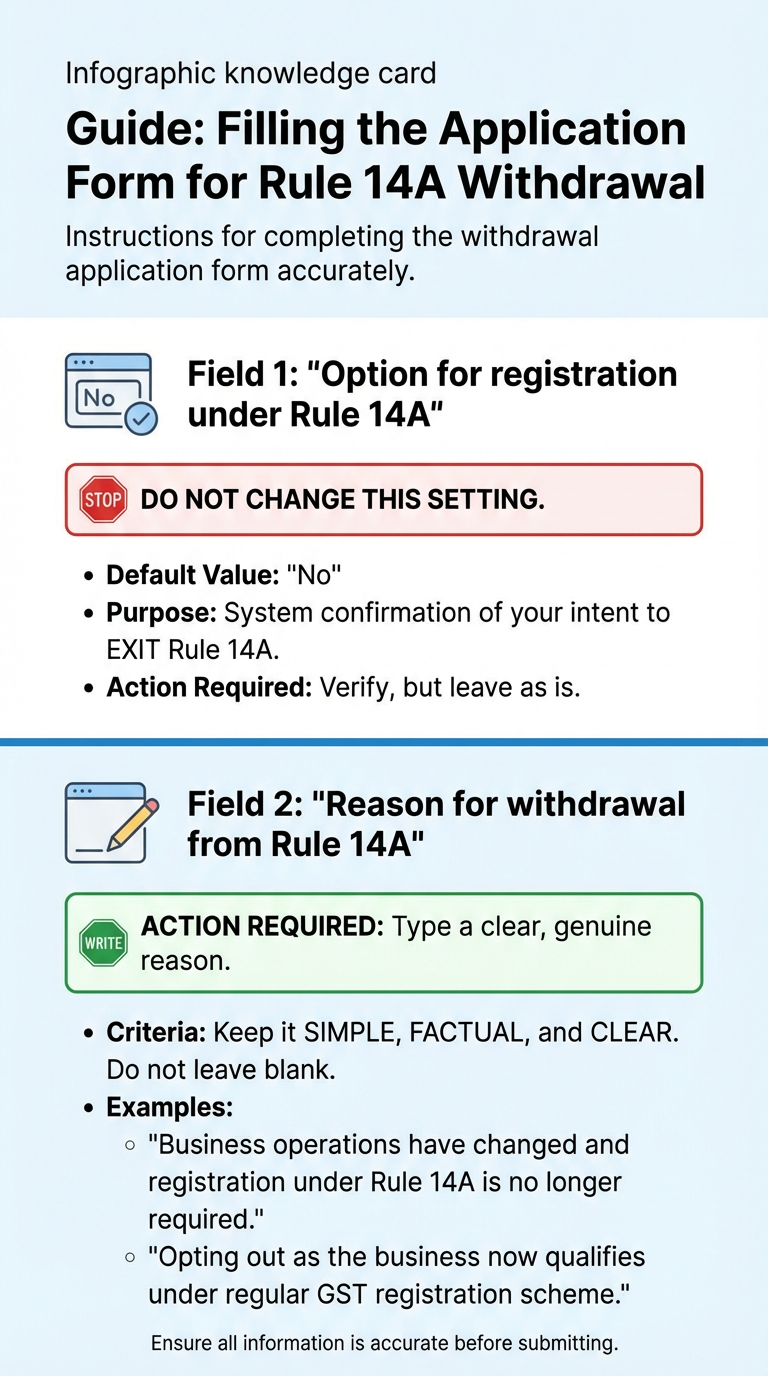
Field 1 — "Option for registration under Rule 14A" This will already be set to "No" by default. Do not change this. This is the system confirming that you want to exit Rule 14A.
Field 2 — "Reason for withdrawal from Rule 14A" You need to type a reason explaining why you want to opt out. Keep it simple and factual. For example:
-
"Business operations have changed and registration under Rule 14A is no longer required."
-
"Opting out as the business now qualifies under regular GST registration scheme."
Write a clear, genuine reason. Do not leave this blank.
🔐 Step 5 — Complete Aadhaar Authentication
After filling in the form, you will be taken to the Aadhaar Authentication tab. This is a security step where the Government verifies the identity of the people responsible for the business.
Who needs to authenticate:
-
The Primary Authorised Signatory (this is the main person who signs and files returns on behalf of the business — mandatory).
-
At least one Promoter or Partner of the business (if applicable — also mandatory).
Two types of authentication may be required: The system will decide which method applies to you based on background data analysis:
Option A — OTP-Based Authentication (more common)
-
An OTP (One-Time Password) will be sent to the mobile number linked to the Aadhaar of the person.
-
Enter the OTP in the box shown on screen.
-
Click "Validate".
Option B — Biometric-Based Authentication (for some cases)
-
This requires you to physically visit a GST Suvidha Kendra or designated facilitation centre.
-
Your fingerprint or iris scan will be taken to verify identity.
-
You will be informed on screen if biometric is required.
💡 Practical Tip: Make sure the Aadhaar of the Primary Authorised Signatory has a mobile number linked to it (called "Aadhaar-linked mobile"). If the mobile is not linked, OTP cannot be received and authentication will fail. Get this verified in advance.
⏱️ Step 6 — Submit the Application Within the Time Limit
Once you have filled the form and are ready to submit:
-
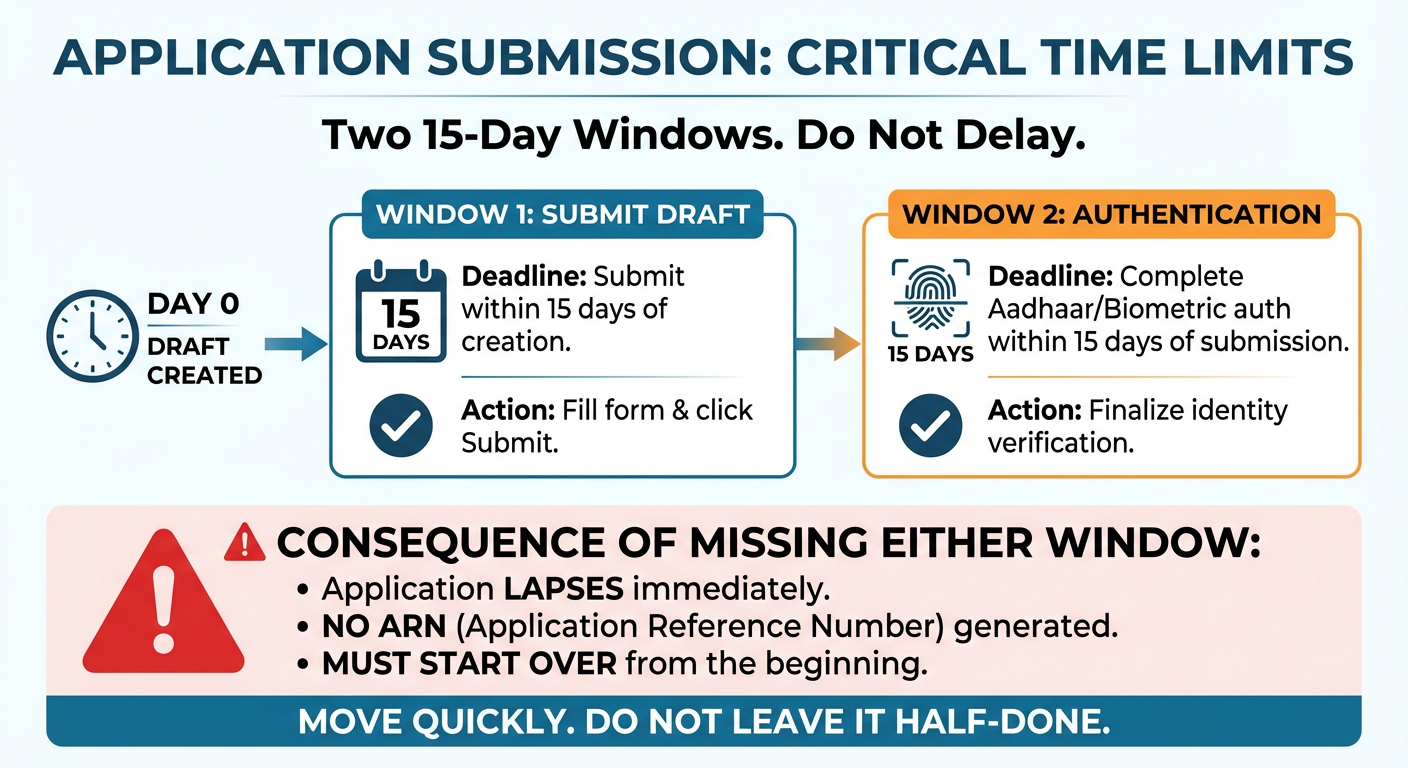
Your draft application must be submitted within 15 days of the date you first created/opened it.
-
After submission, Aadhaar/Biometric authentication must also be completed within 15 days from the date of submission.
⚠️ If you miss either of these 15-day windows, your application will lapse. The ARN (Application Reference Number — the receipt number that confirms your application was accepted) will NOT be generated. You will have to start all over again.
So once you begin this process, move quickly. Do not leave it half-done.
🧾 Step 7 — Note Down Your ARN Number
Once:
-
the form is filled ✅
-
the reason is entered ✅
-
Aadhaar authentication is completed successfully ✅
The portal will generate an ARN — Application Reference Number. This is your acknowledgement/receipt that the application has been submitted.
Write this number down or take a screenshot. You will need it to track the status of your application later.
⛔ Step 8 — Know What You Cannot Do While the Application Is Pending
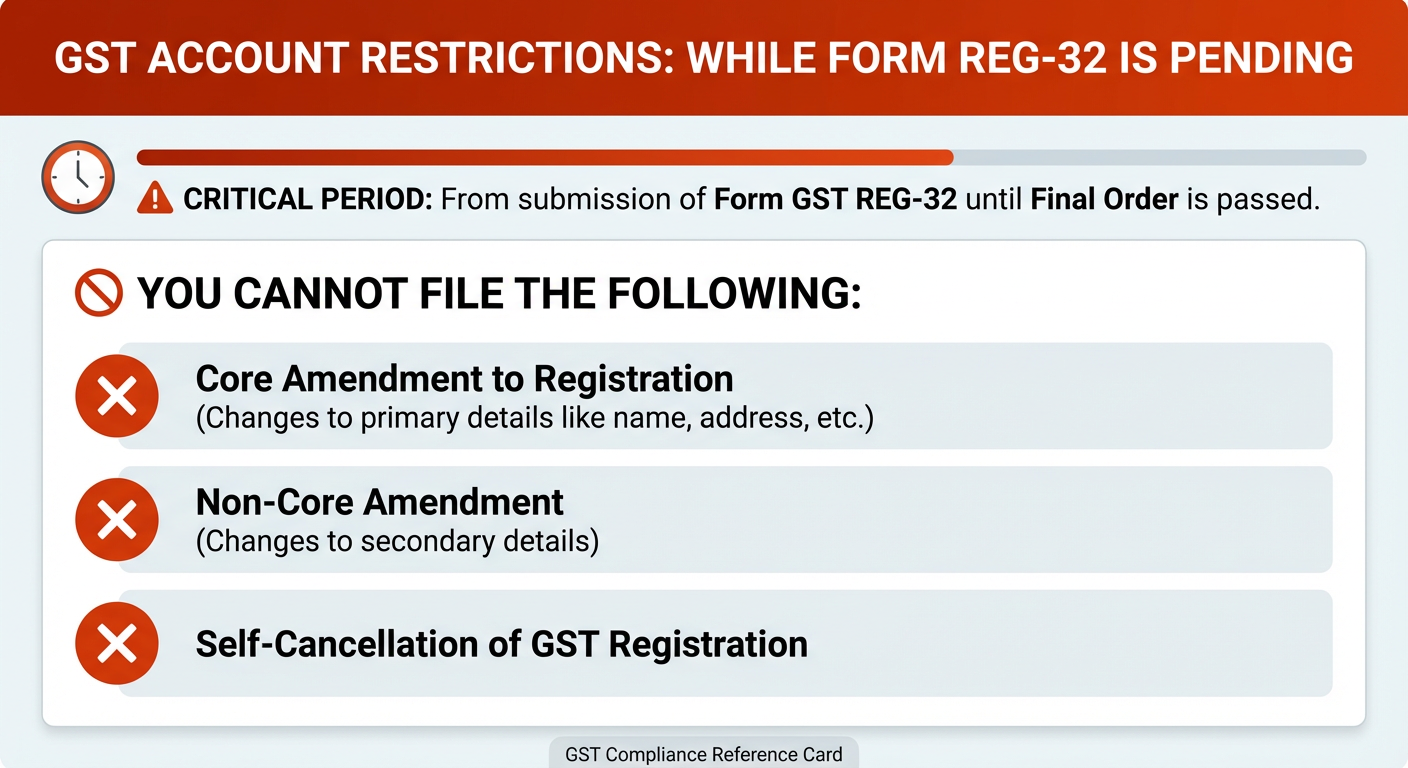
From the moment you submit Form GST REG-32 until a final order is passed, your account will have certain restrictions. You cannot file the following applications during this time:
-
Core Amendment to Registration (changes to primary details like name, address, etc.)
-
Non-Core Amendment (changes to secondary details)
-
Self-Cancellation of GST Registration
Plan your other GST compliance activities accordingly. If any of the above are urgently needed, complete them BEFORE filing REG-32.
📬 Step 9 — Wait for the Order in Form GST REG-33
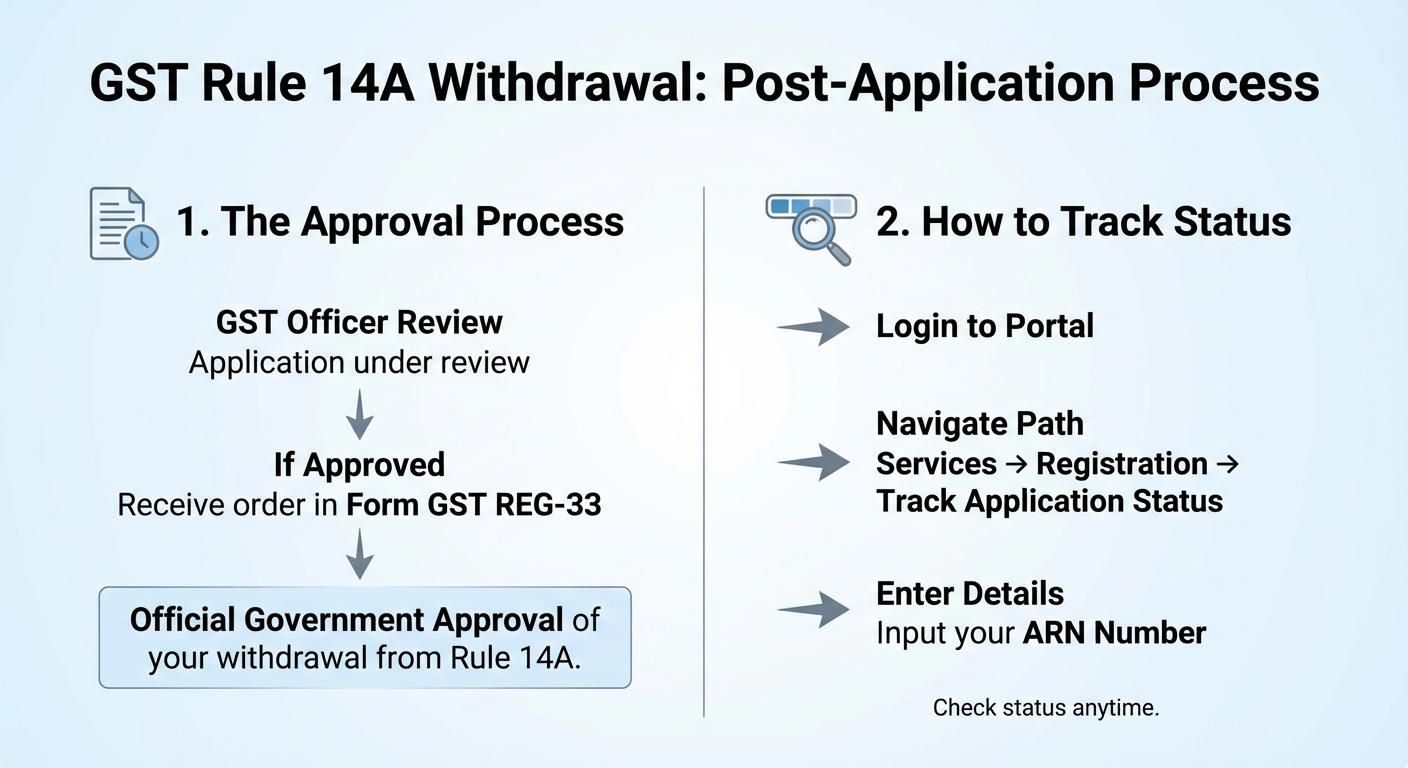
The GST officer will review your `application. If it is approved, you will receive an order in Form GST REG-33 — this is the official government approval of your withdrawal from Rule 14A.
You can check the status of your application anytime by logging in and going to: Services → Registration → Track Application Status — and entering your ARN number.
🔄 Step 10 — What Happens After Approval?
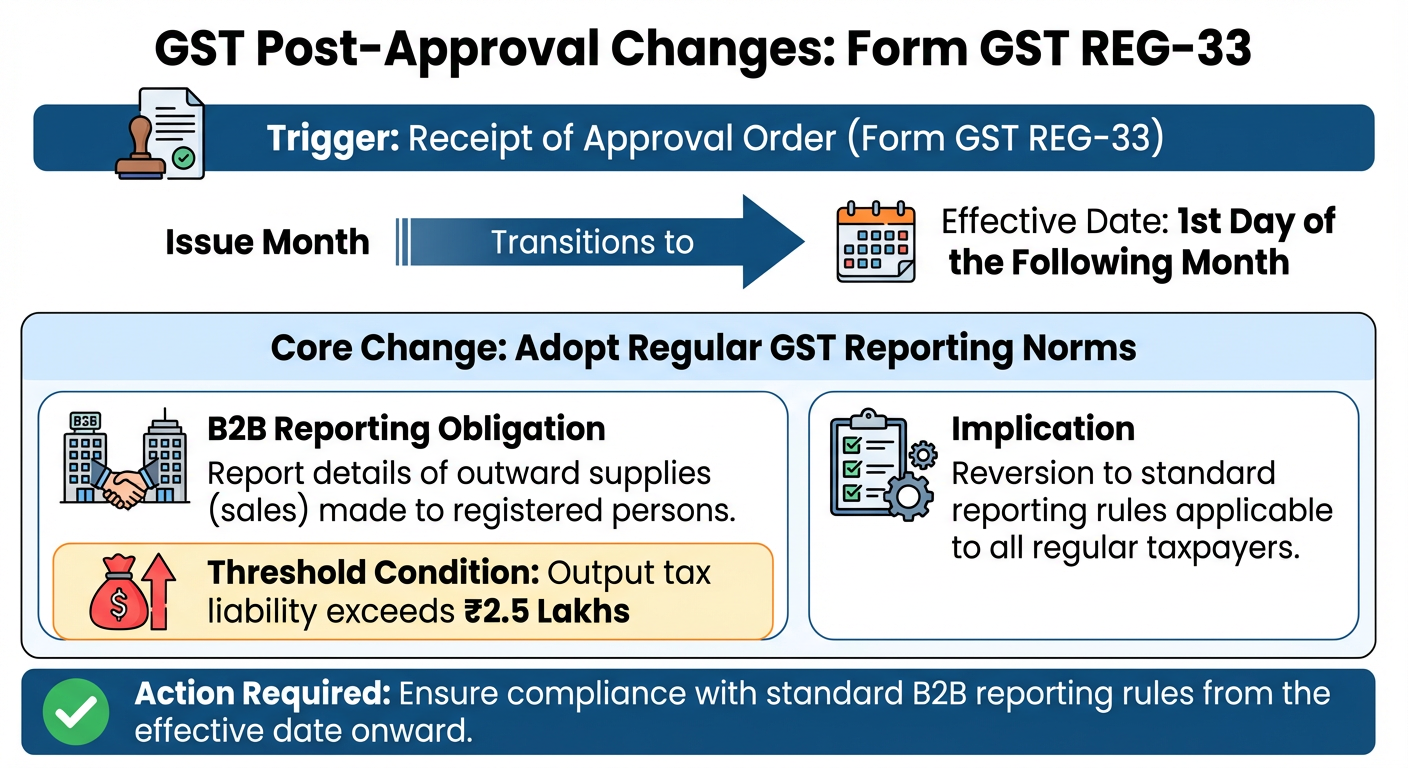
Once you receive Form GST REG-33 (the approval order), here is what changes for you:
From the first day of the month following the month in which the order was issued, you will need to follow the regular GST reporting norms — specifically, you will need to report details of your outward supplies (sales) made to registered persons where the output tax liability exceeds ₹2.5 Lakhs.
This means your B2B reporting obligations go back to the standard rules applicable to all regular taxpayers.
🗓️ Quick Summary Checklist
| # | What To Do | When |
| 1 | Ensure all GST returns are filed and up to date | Before starting |
| 2 | Log in at www.gst.gov.in | Day 1 |
| 3 | Go to Services → Registration → Application for Withdrawal from Rule 14A | Day 1 |
| 4 | Set option to "No" (default) and enter reason for withdrawal | Day 1 |
| 5 | Complete Aadhaar Authentication for Primary Signatory + one Promoter/Partner | Within 15 days of creation |
| 6 | Submit the application | Within 15 days of creation |
| 7 | Complete Biometric Auth (if required) | Within 15 days of submission |
| 8 | Note your ARN number | After submission |
| 9 | Avoid filing amendments or self-cancellation while pending | Till order is received |
| 10 | Receive Form GST REG-33 and resume regular reporting | From next month onwards |
❓ Frequently Asked Questions
Q: I cannot see the "Application for Withdrawal from Rule 14A" option on my portal. Why? This option is only visible to taxpayers who are currently registered under Rule 14A AND have an Active status. If you cannot see it, confirm with your Tax Consutant whether you actually hold a Rule 14A registration.
Q: I have pending returns from 6 months ago. Can I still apply? No. You must first file ALL pending returns. The portal will block submission until all dues are cleared.
Q: What if I miss the 15-day deadline for authentication? The application will not get an ARN and will be treated as if it was never filed. You will need to start the whole process again.
Q: Is this a one-time opt-out or can I apply again later? The advisory does not mention any restriction on re-applying, but consult your Tax Consultant for guidance specific to your situation.
📌 This guide is prepared based on GSTN Advisory No. 650 dated 21st February 2026. If you are unsure about any step, please consult your Tax Consultant before proceeding.
GST Registration Status | GST Application Status | ARN Status GST | GST ARN Status | GST Track Application Status
About the Author

- ★★
- ★★
- ★★
- ★★
- ★★

Check out other Similar Posts

CFO Weekly Digest
A weekly newsletter delivering sharp insights, strategic analysis, and critical updates on business, finance, and compliance — designed exclusively for CFOs and Finance Leaders
Masters India is a GST Suvidha Provider (GSP) appointed by Goods and Services Tax Network (GSTN), a Government of India enterprise.
 Procapitus Business Park, 4th Floor, D 247/4A, Sector 63 Rd, Noida, Uttar Pradesh 201301
 info@mastersindia.co




Certified